iPhone Camera app
- Nothing to install, free
- One button
- No manual control of ISO, shutter speed or white balance
- No interval to choose
Interval turns your iPhone into a timelapse camera. Lock ISO, shutter speed, white balance and focus, let the calculator set the interval, and the app assembles your full-quality photos into a video.
iPhone, iOS 17 or later.
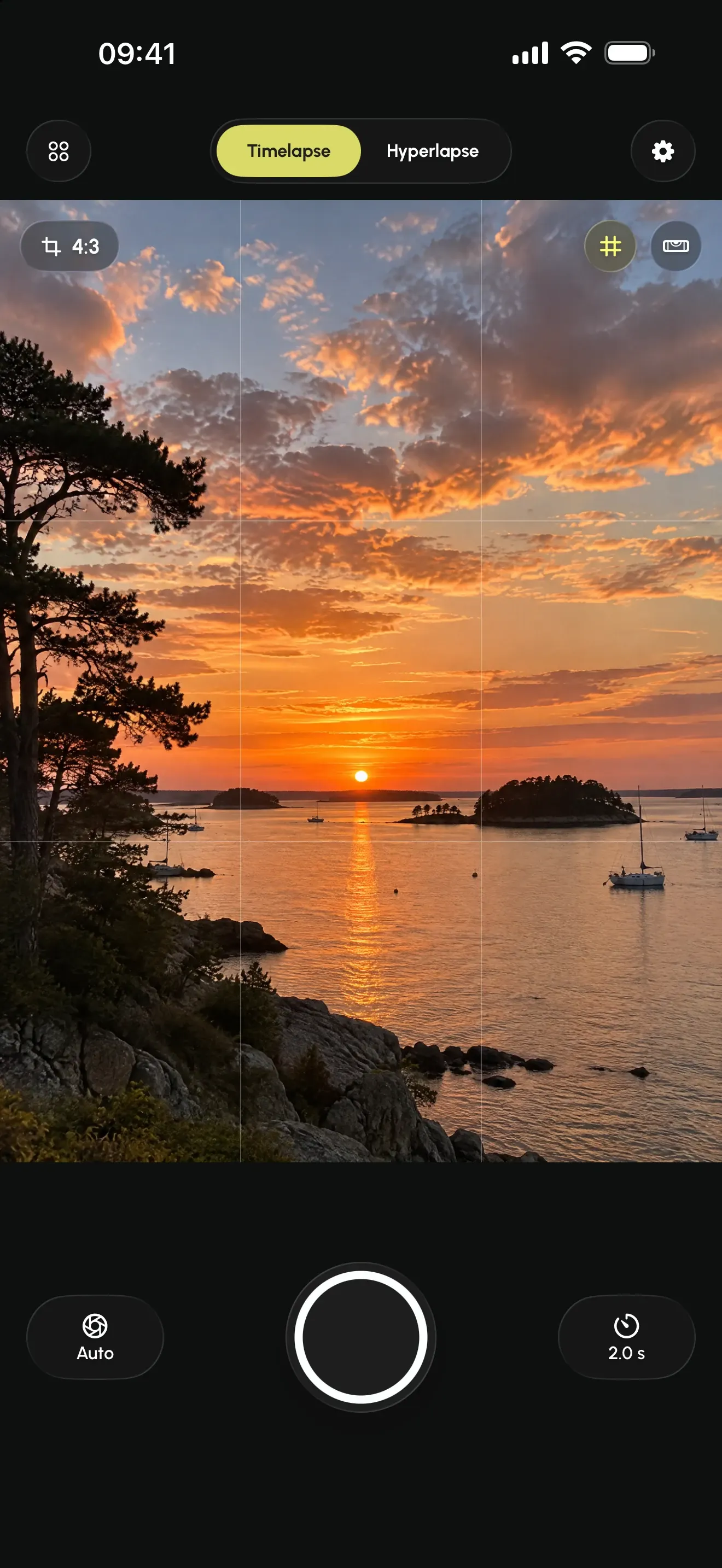
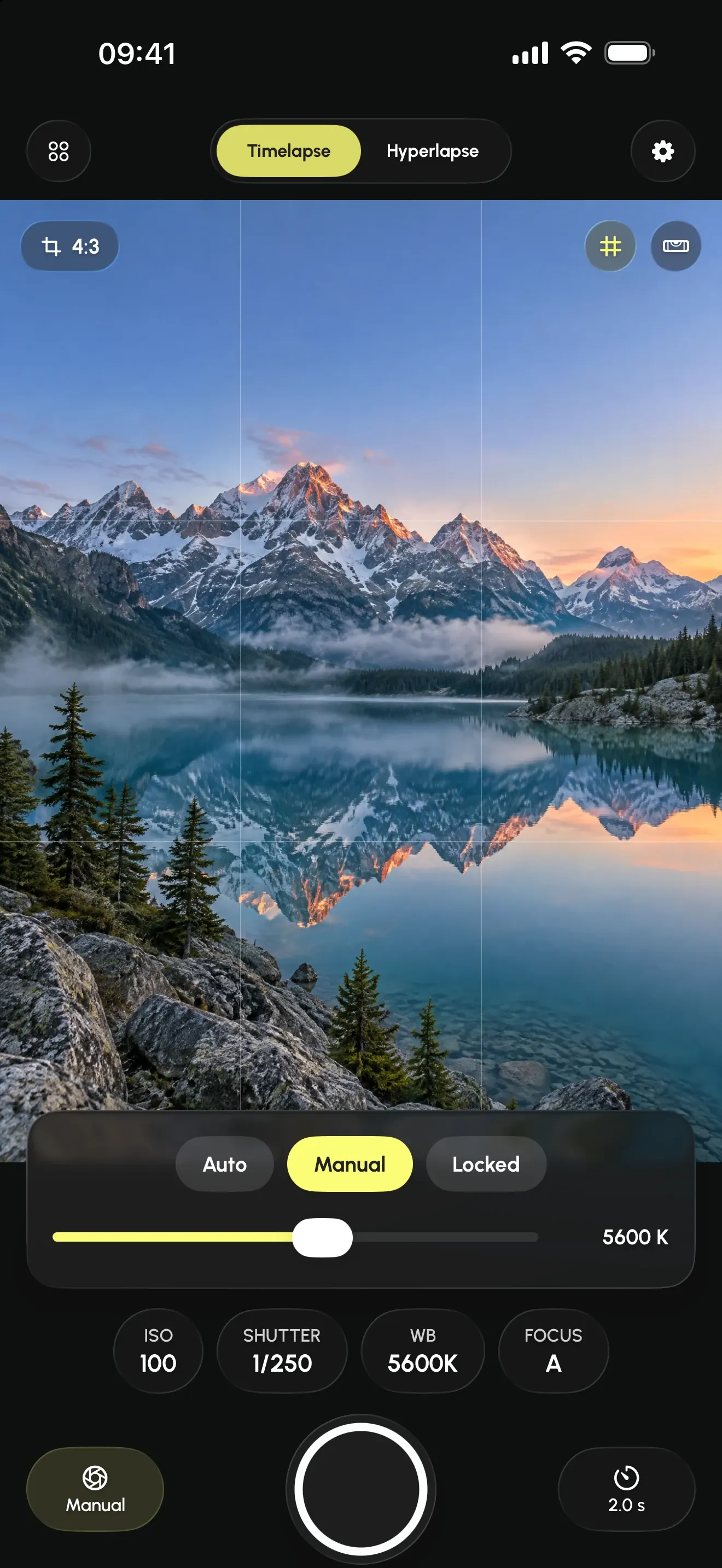
In the iPhone's Camera app, a timelapse starts with a single button: no manual control over ISO, shutter speed or white balance. When exposure readjusts automatically between two photos, the video flickers.
Interval lets you set ISO, shutter speed, white balance and focus, then lock them on the current reading. Every photo is exposed the same, from first to last.
The built-in mode is fine for a quick timelapse. Interval is for when you want to control the result.
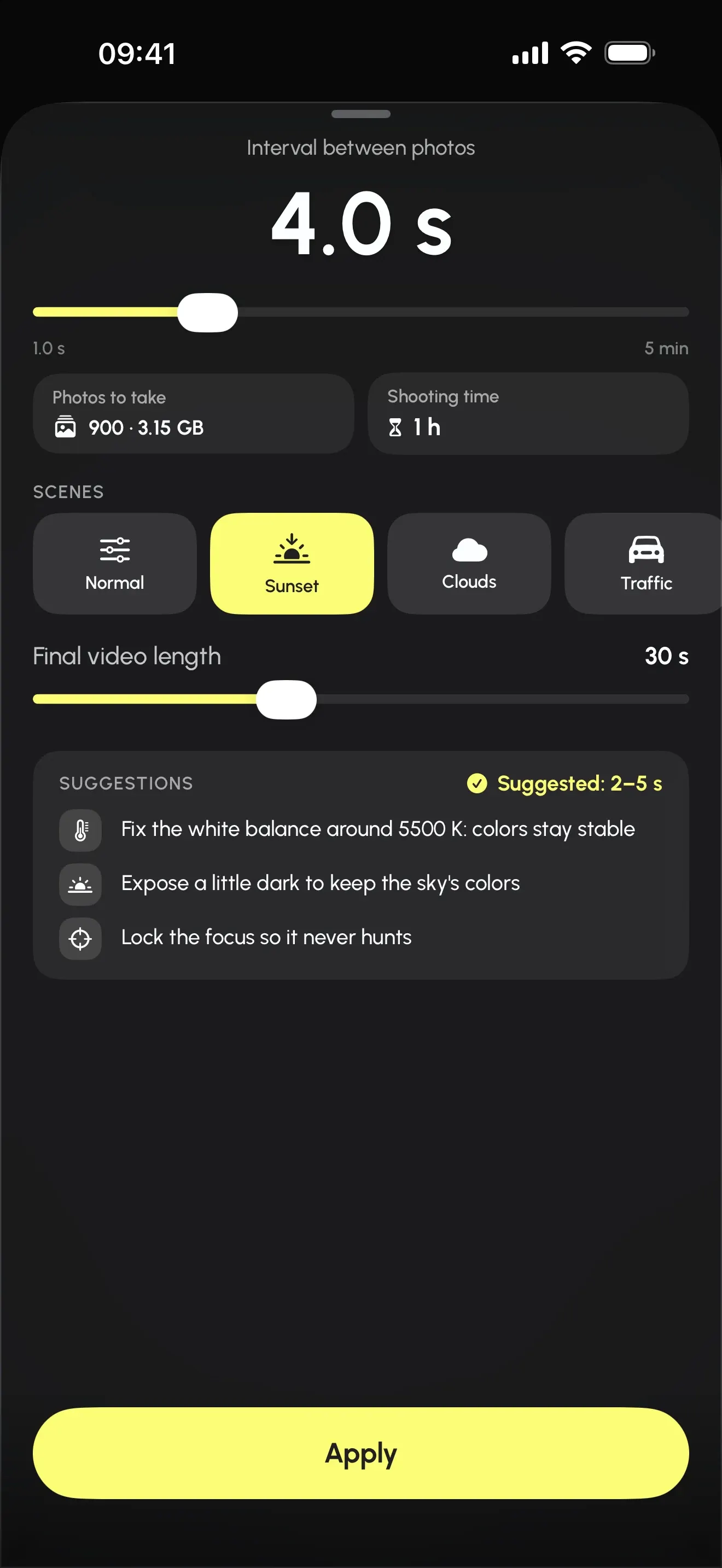
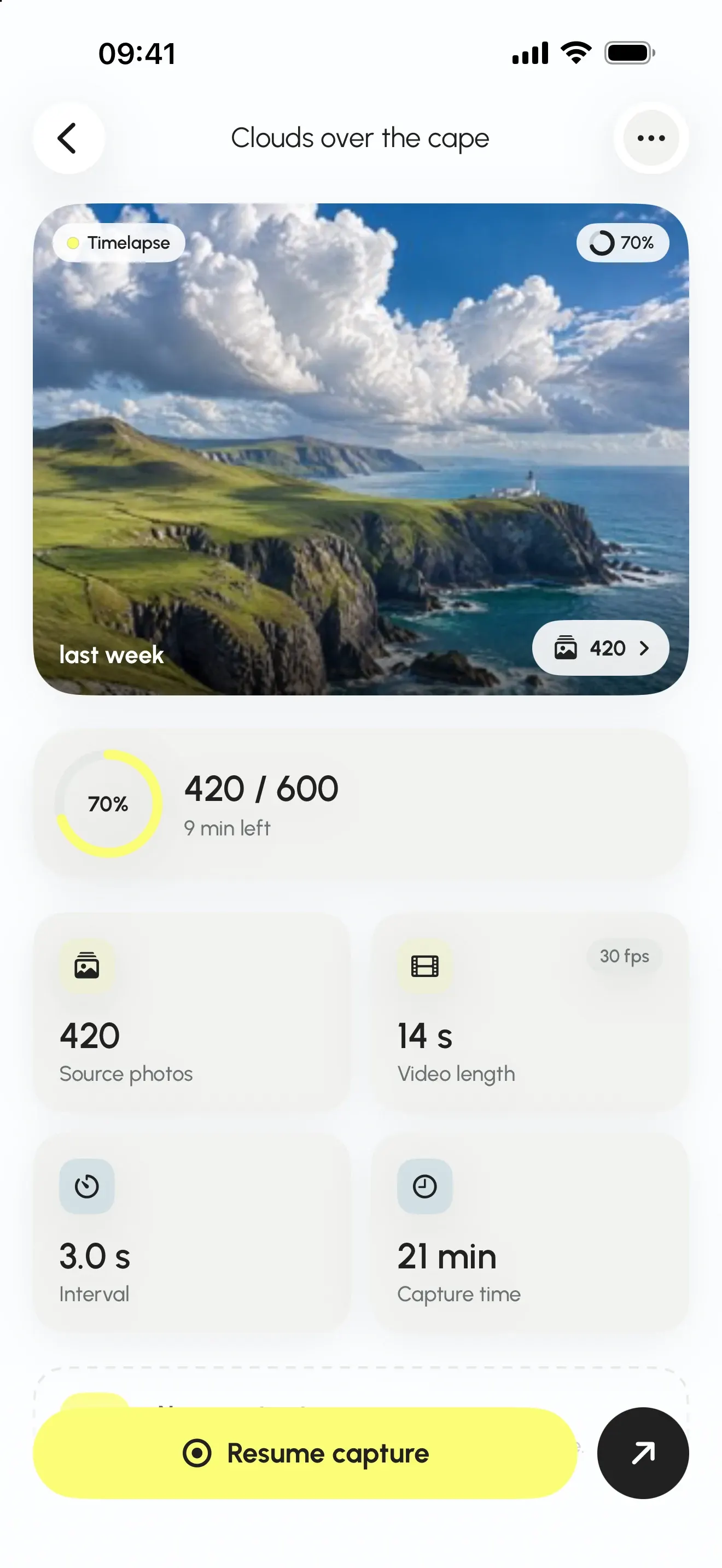
Enter how long the scene lasts and how long you want the video: the app computes the interval. Or enter the interval, and it tells you the final video length.
Before you start, you see the photo count, the disk space and the battery needed. Example: 900 photos, 3.15 GB, 1 h of shooting for 30 s of video. If the app knows a session cannot finish, it refuses to start it.
Your iPhone sits still, on a surface or a tripod. The app fires on its own at a steady interval. Good for a sunset, a building site, clouds, a crowd.
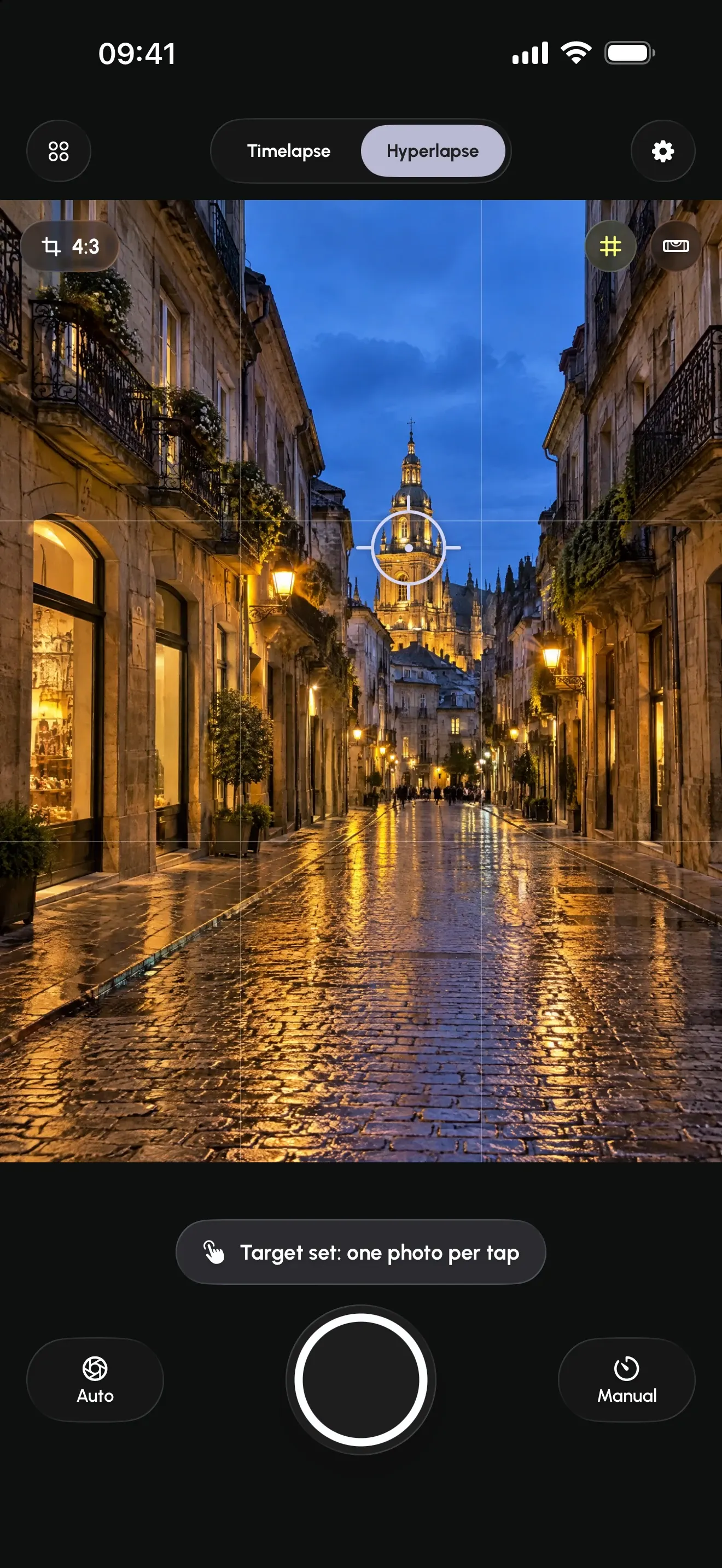
You move between photos. The app shows an anchor point to aim at and a ghost image of the previous photo, then stabilizes the sequence at export.
Before the first photo, tap the anchor point you want to keep at the same spot in the frame. As you move, the previous photo stays visible on the viewfinder as a ghost image.
At assembly, the app analyzes photos two by two, smooths the path and crops each frame by 8 to 20 % depending on how much you actually moved.
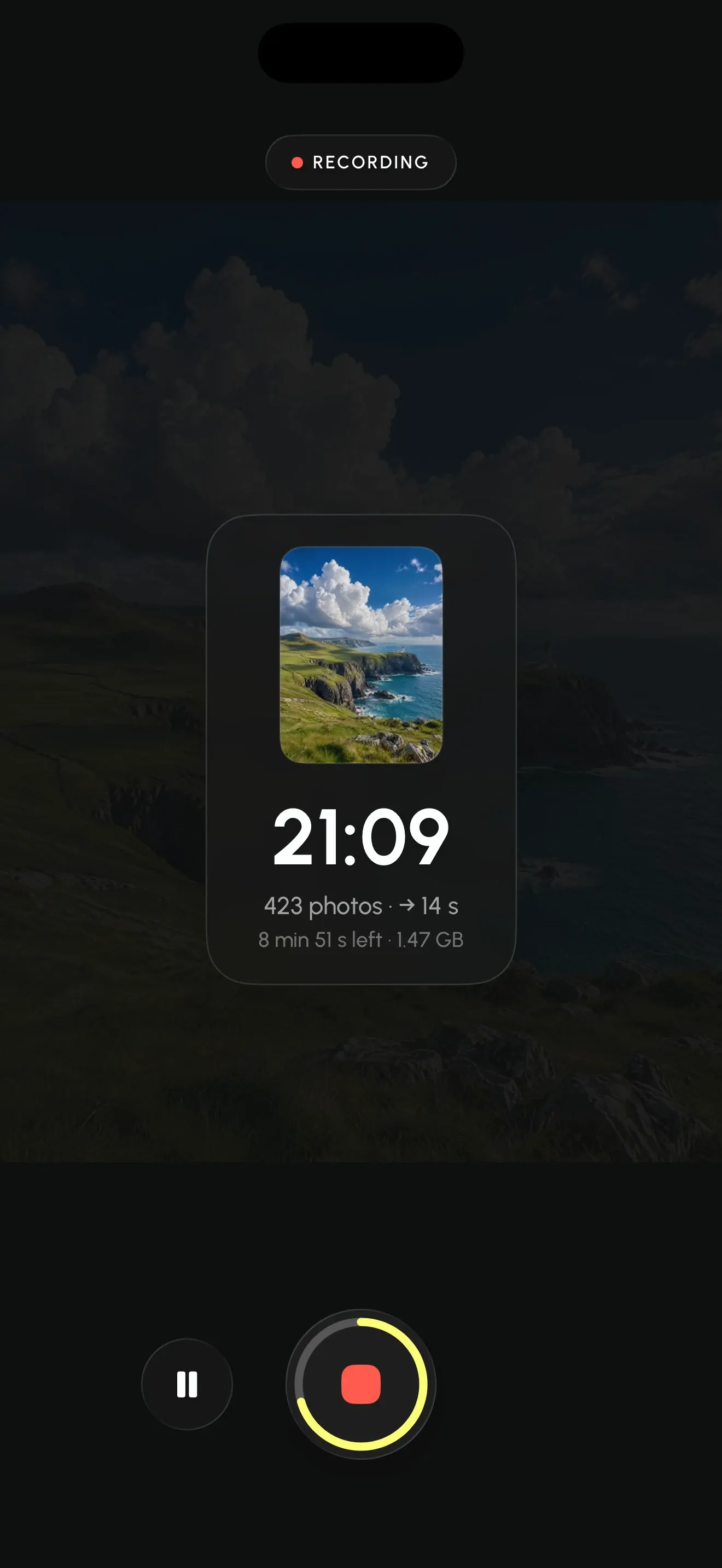
While shooting, the app steps aside: everything fades to black, and only the counter and the progress ring remain. The screen dims to save battery.
If the iPhone gets too hot, the app pauses, then resumes. An incoming call breaks nothing: the session picks up where it stopped, locked settings included.
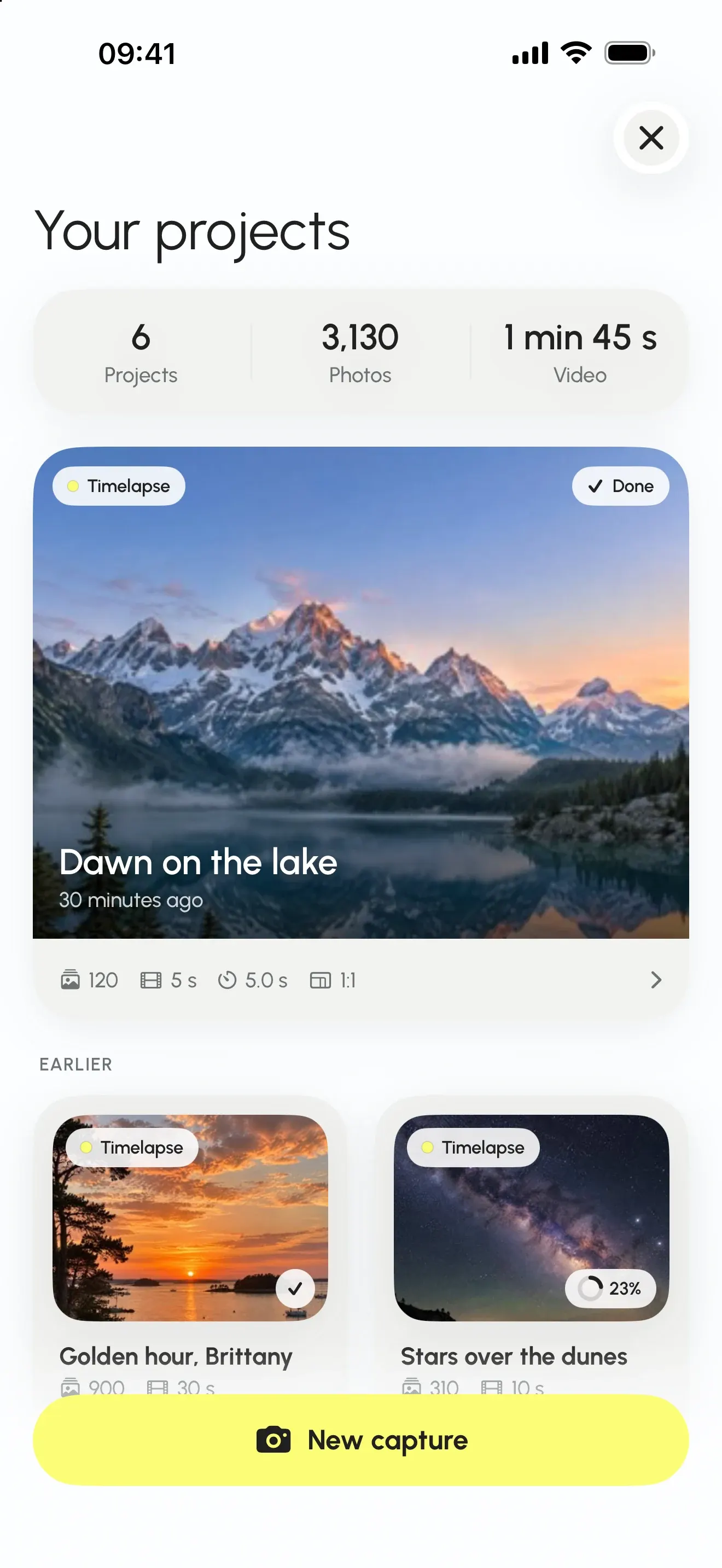
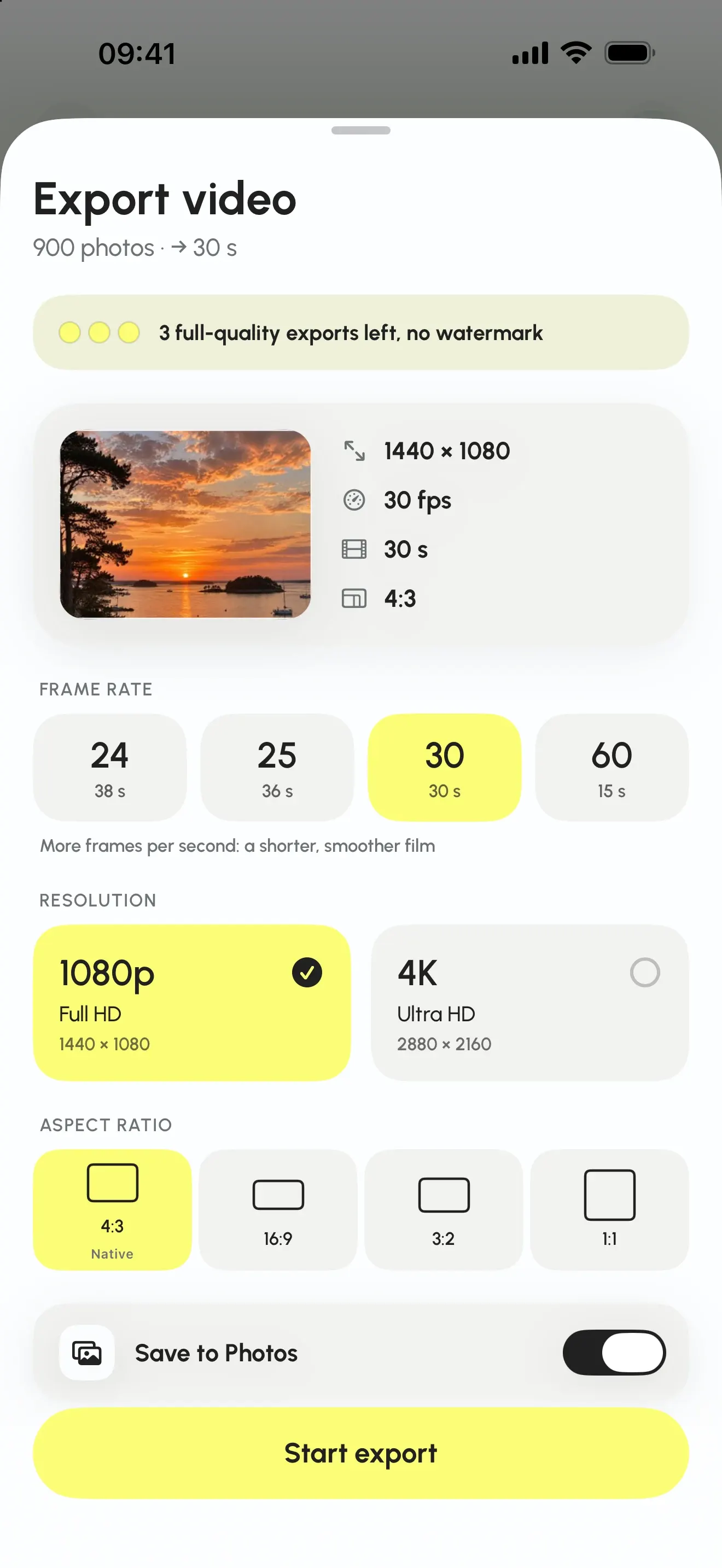
Every session becomes a project: full-quality HEIC photos, a thumbnail and the exports you already made. Nothing is deleted after export, so you can re-export later at another resolution without reshooting.
No subscription. Shooting is never limited: you always keep your full-quality photos.
€0
€7.99 one-time purchase
Price shown for France. It may vary by country: the App Store displays the exact price.
No account, no server, no tracker. Your photos and videos never leave your iPhone. This is not a marketing promise: the app has nowhere to send anything.
Read the privacy policyThe download is free, and so is shooting with all manual controls. Export is limited to 1080p with a watermark, and three full-quality exports are included so you can judge the result.
No. The one-time Interval Pro purchase (€7.99 in France) unlocks 4K, removes the watermark and lifts the export limit, for good.
The built-in mode starts with a single button. Interval adds lockable manual controls, a free interval with a calculator, stabilized hyperlapse and full-quality photos you can re-export.
It depends on the scene and on how long you want the video. The calculator works it out for you. Try the calculator, with starting points by type of scene.
For 900 full-quality photos, expect about 3.15 GB. The app shows the space needed before you start, and refuses to begin a session it knows it cannot finish.
No. Interval runs entirely on your iPhone, with no account and no server. Exported videos are added to your photo library only if you allow it.
Yes. The HEIC photos stay in the project, so you can re-export at another resolution or frame rate at any time. 4K export requires Interval Pro.
Yes, keep the app open. The screen dims automatically to save battery.
Interval Pro is built for iPhone, running iOS 17 or later, and exists only on iPhone. The interface is available in English, French, Spanish and German.
Download Interval Pro, set your iPhone down, and let the calculator pick the interval.
Download on the App StoreInterval ProFree timelapse app for iPhone
Download on the App StoreDownload